


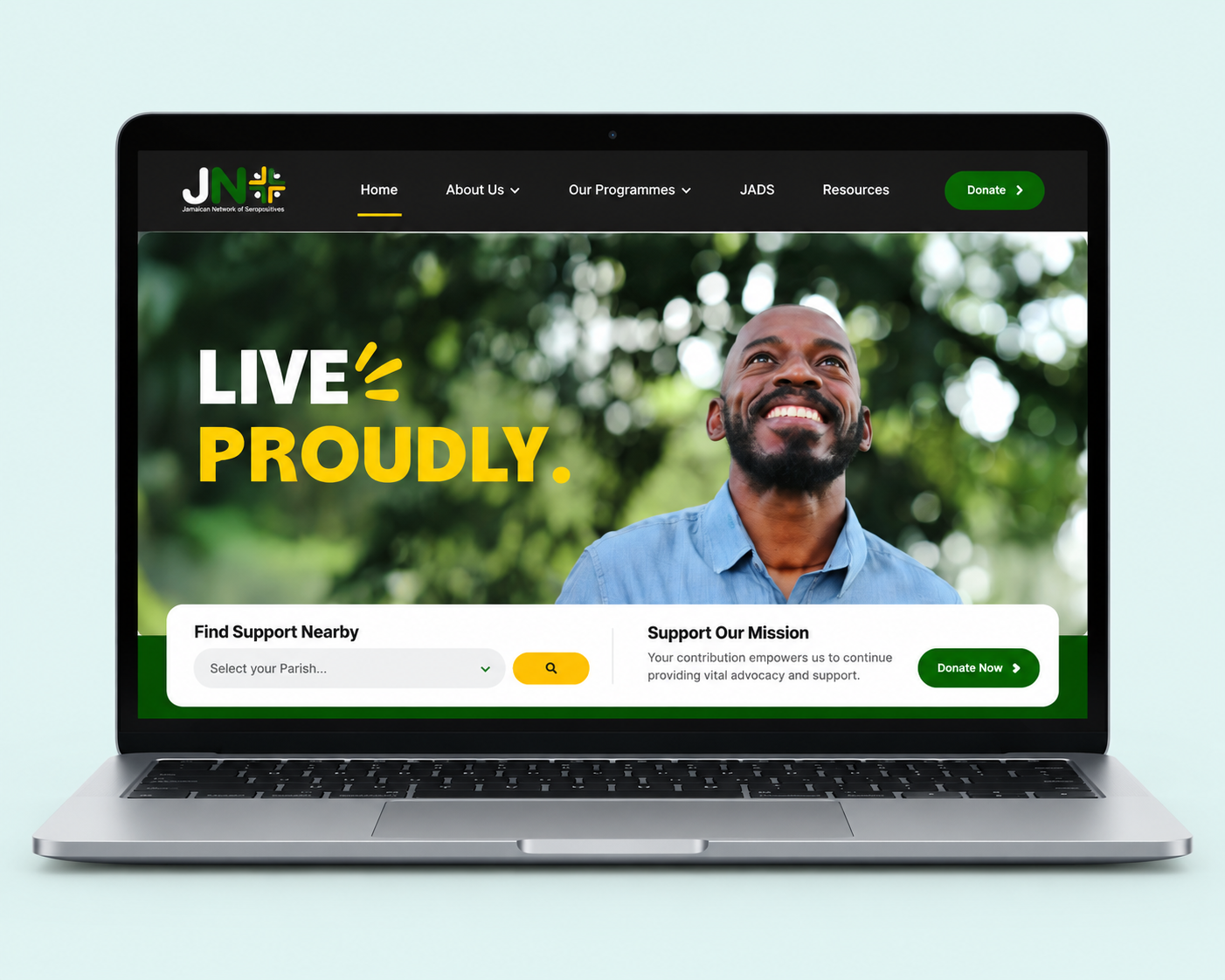
Imagine someone opens your website on their phone because they need a service today. They may have limited time, an unreliable connection or no familiarity with your organisation.
They should not need to learn your programme names before they can find the right person to contact.
A homepage can look impressive and still make that journey difficult. Before commissioning a new visual direction, try a more revealing exercise: follow the route to help.
Start with a question a real visitor would ask
Choose one specific task. “Find support” is too broad for a useful test. Try “Find out whether I can get support in my parish” or “Work out which documents I need before applying.”
Open the site at the page a visitor is likely to reach. That might be a service page shared in a message, rather than your homepage. Follow the links using only the information on screen. Do not fill the gaps with what you know from working inside the organisation.
Write down every point where you have to guess. Those moments are design problems worth solving.
Name the service in the visitor’s language
Internal structures often make their way into website navigation. A team knows what “Community Resilience Programme” means. A visitor may be looking for “Housing support” and have no reason to connect the two.
You can keep the official programme name while giving the page a clear, practical title. Explain what is available, who it is for, where it operates and how to take the next step.
Buttons need the same care. “Resources” could mean almost anything. “Download the application form” tells someone exactly what they will get.
Answer the questions that come before the form
A contact form is not a substitute for service information. People may need to know whether a service is free, whether they need a referral, how long an application takes or whether they can contact you another way.
Publish the answers you can reliably maintain. If response times vary, explain what happens after an enquiry instead of promising a deadline your team cannot meet.
Keep essential guidance on the page itself. A downloadable brochure can be useful, but requiring a PDF download to discover an opening time adds work to a simple task.
Make the route work without ideal conditions
Review the page on a small screen. Increase the text size. Move through the links and form fields with a keyboard. Check that instructions remain visible when a field is selected and that an error explains how to fix the problem.
Look at the page before its largest images have loaded. Is the service information still available? Does the main action stay in a predictable place?
These checks do not replace an accessibility review or testing with people who use assistive technology. They are useful early tests that can expose obvious obstacles before a site is signed off.
Ask people to try, then listen
Give someone a realistic task and ask them to show you how they would complete it. Avoid explaining the menu or pointing at the correct button. If they take an unexpected route, ask what they expected to find there.
A small round of testing can reveal language and navigation problems. It cannot prove that the site works for everyone. Include people with different needs as the design develops, and test the changed journey again.
For a service website, the most persuasive design decision may be a plain sentence in exactly the right place. When someone finds what they need without having to call for clarification, the website has done useful work.